Does the alarm still ring if I turn off or lock my screen?
Yes. Starting a timer also schedules the alarm time with your phone itself, so it rings at the set time even if you lock the screen with the power button or use other apps.
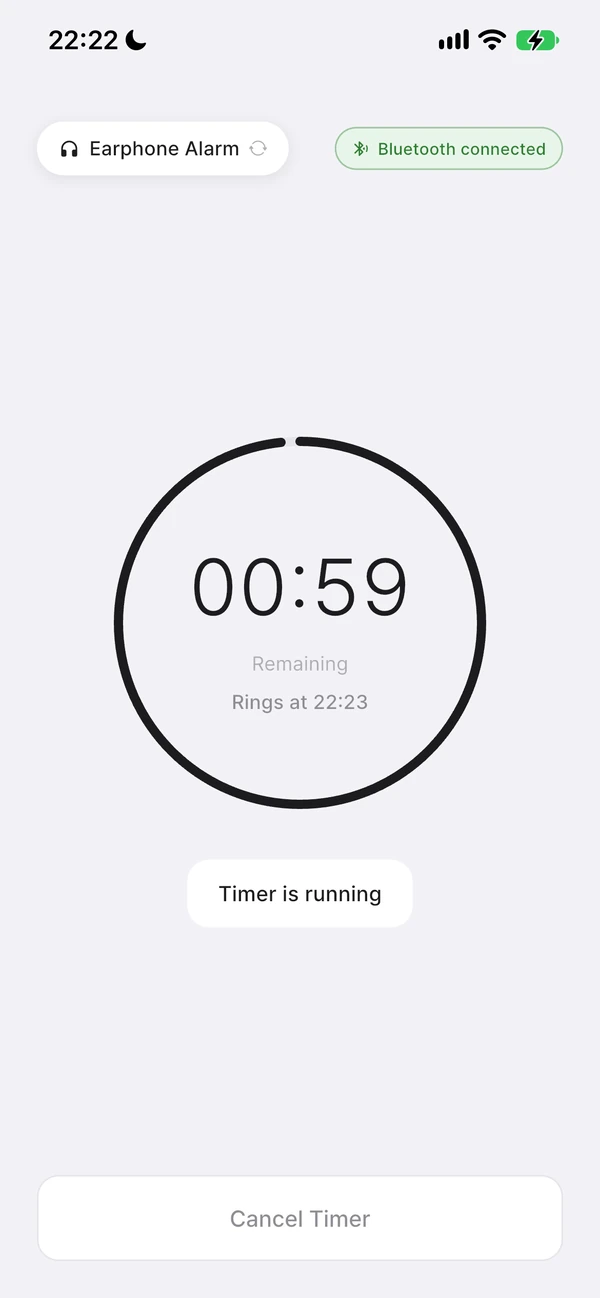
How does it ring even with the screen off?
If it only counted down on the app screen, the phone could pause the app when it goes to the background or the screen turns off, making the alarm late or silent. So when you start a timer, Nenne first schedules the end time with your phone itself, and only starts the on-screen countdown after that scheduling succeeds.
The number on the screen just shows how much time is left — the actual alarm rings from the one scheduled with your phone. That’s why the alarm doesn’t stop even with the screen off. If both would try to ring at once, only one is handled, so the alarm never rings twice.
The most reliable way to use it
- After starting the timer, don’t force-quit the app — lock the screen with the power button.
- It’s fine to go to the home screen or use other apps. Just don’t swipe Nenne away in the App Switcher.
- If it’s a new phone or new earphones, set a 10-second timer and lock the screen to test that it rings through the device you want, even while locked.
You can see the remaining time even while locked
With the screen locked, you can check the remaining time through the Live Activity on the lock screen on iPhone, or the progress notification in the notification shade on Android.
Permissions you need
To ring the alarm even while the screen is off, notification permission is required. On Android, exact alarm permission is also needed. Without these permissions, the timer won’t start and you’ll see a prompt.