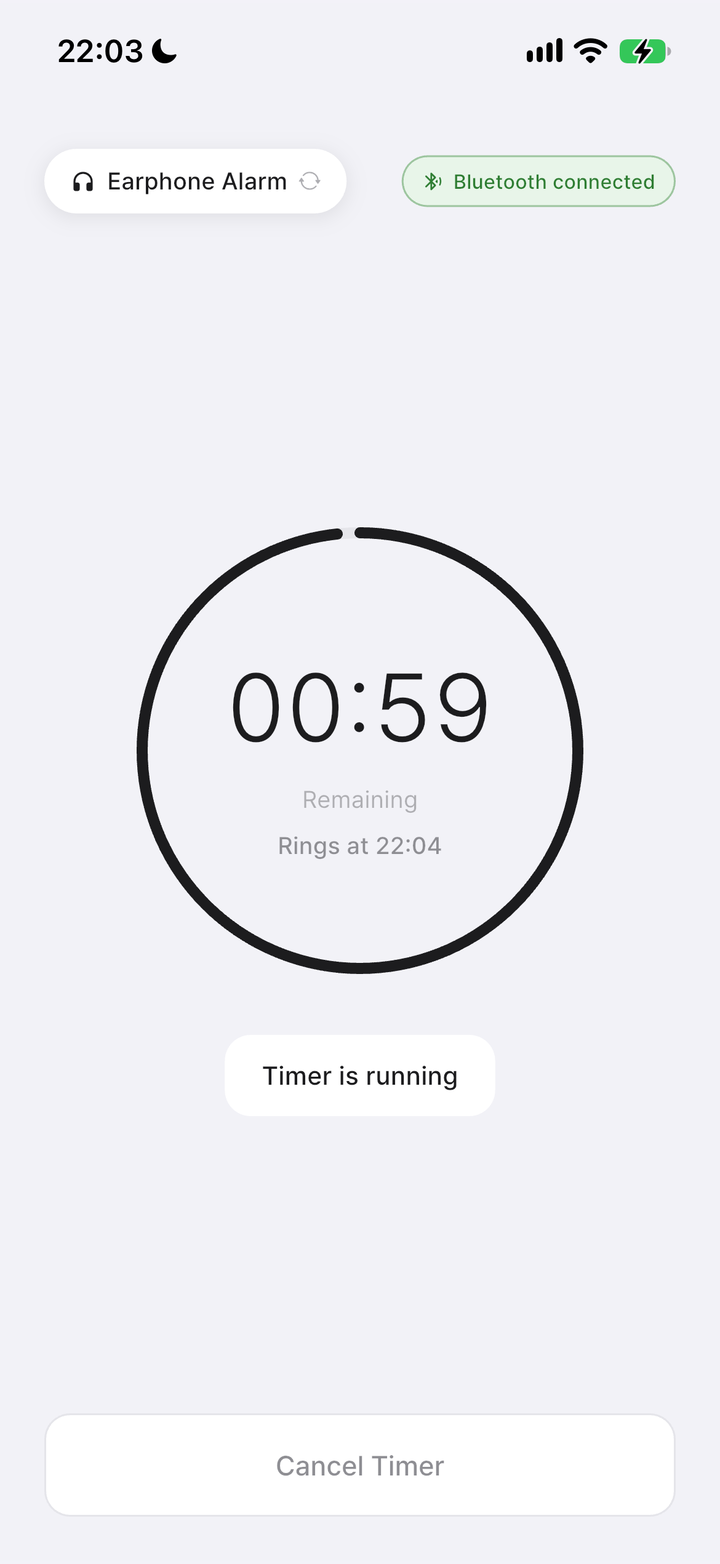
Your timer is running
Check the remaining time on the countdown. To stop early, tap Cancel timer.
How to use
A quiet break starts here. Set your first nap alarm with the screens below.
01
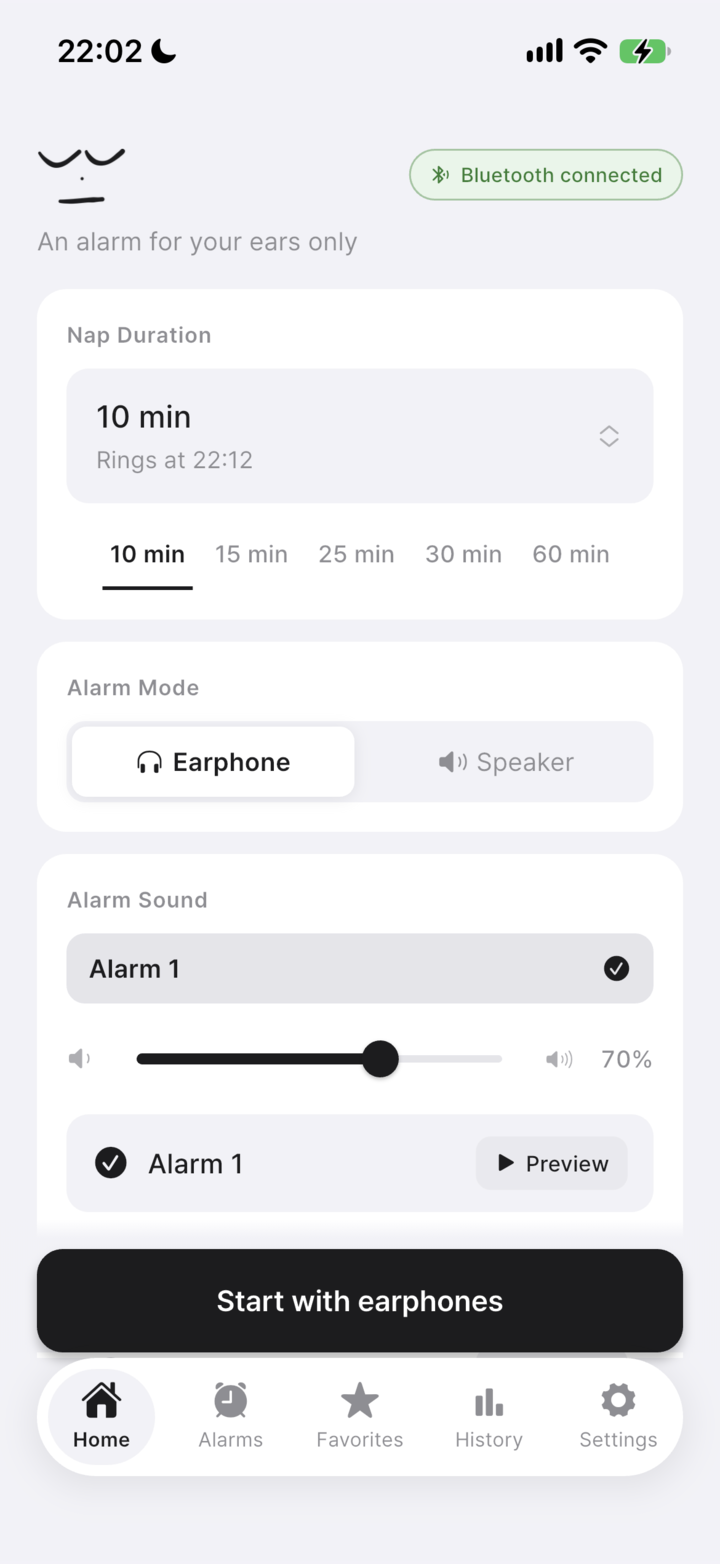
Connect wired or Bluetooth headphones. Check the connection indicator and select Headphones as the alarm mode.
Tap the nap duration or a preset. You can set a timer from 10 seconds to 180 minutes.
Choose an alarm sound, preview it, and set a comfortable volume. Your phone’s media volume also affects what you hear.
Tap the start button after checking your headphones. Try a short test before your first nap.
Screens shown on iPhone with Nenne+. Some screens and features vary by device and subscription.
02
Check the remaining time on the countdown. To stop early, tap Cancel timer.
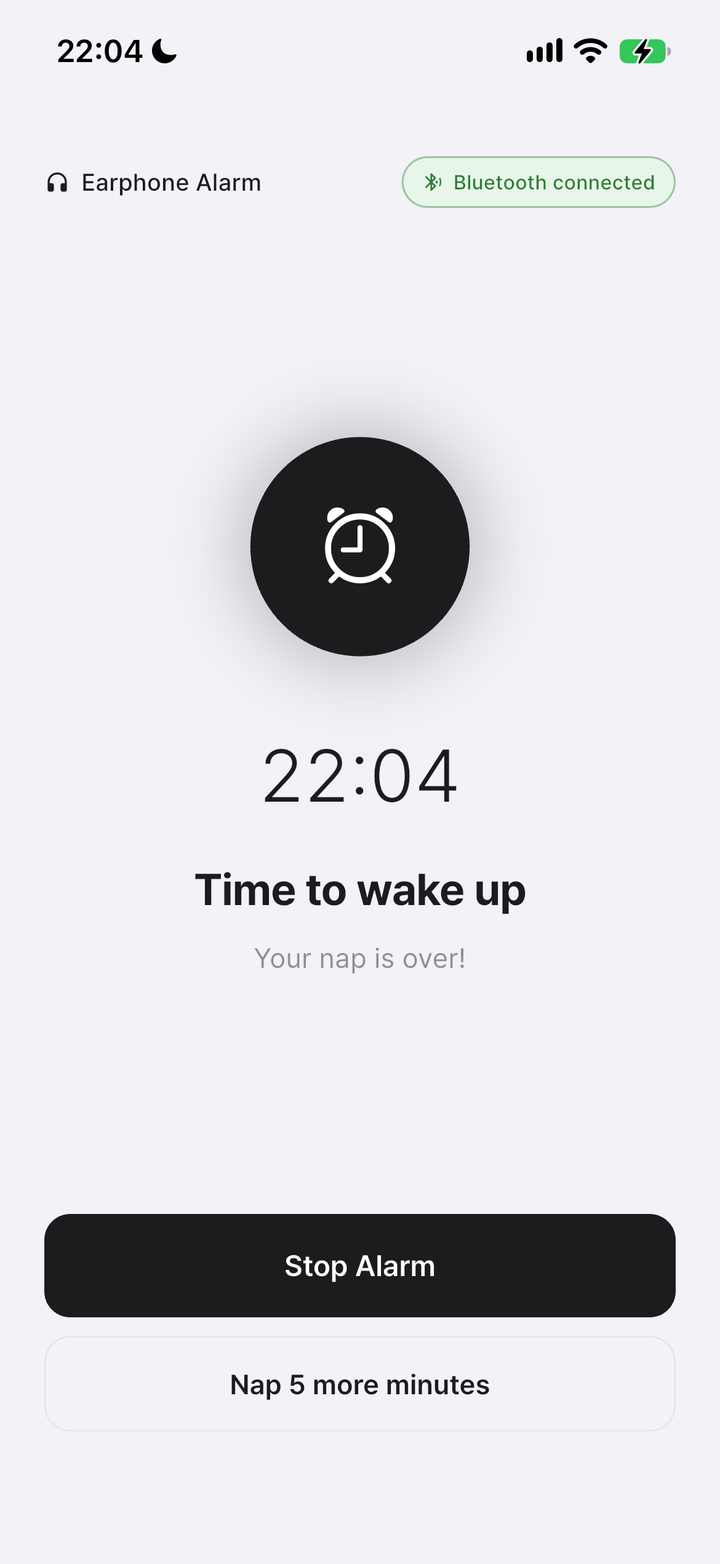
Tap Turn off alarm in Nenne. Removing headphones pauses the sound; reconnecting can resume it, so use the button to finish.
In headphone mode, the sound pauses when headphones disconnect and resumes when they reconnect. Questions? Visit the FAQ ↗
03
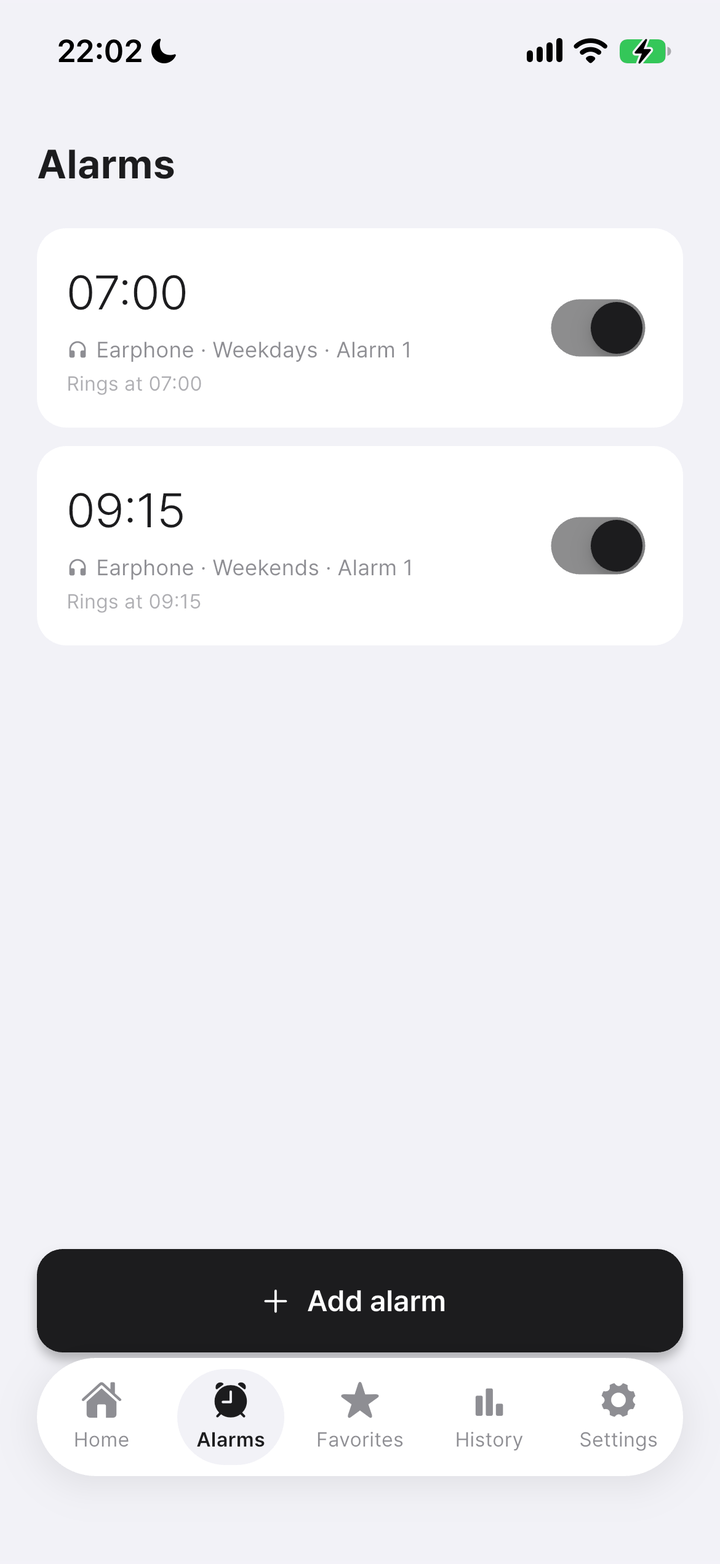
Open Alarms, tap Add alarm, then choose the time, repeat days, output mode and sound. Save and check the switch.
After stopping a repeating alarm from a notification, open Nenne once to prepare the next occurrence.
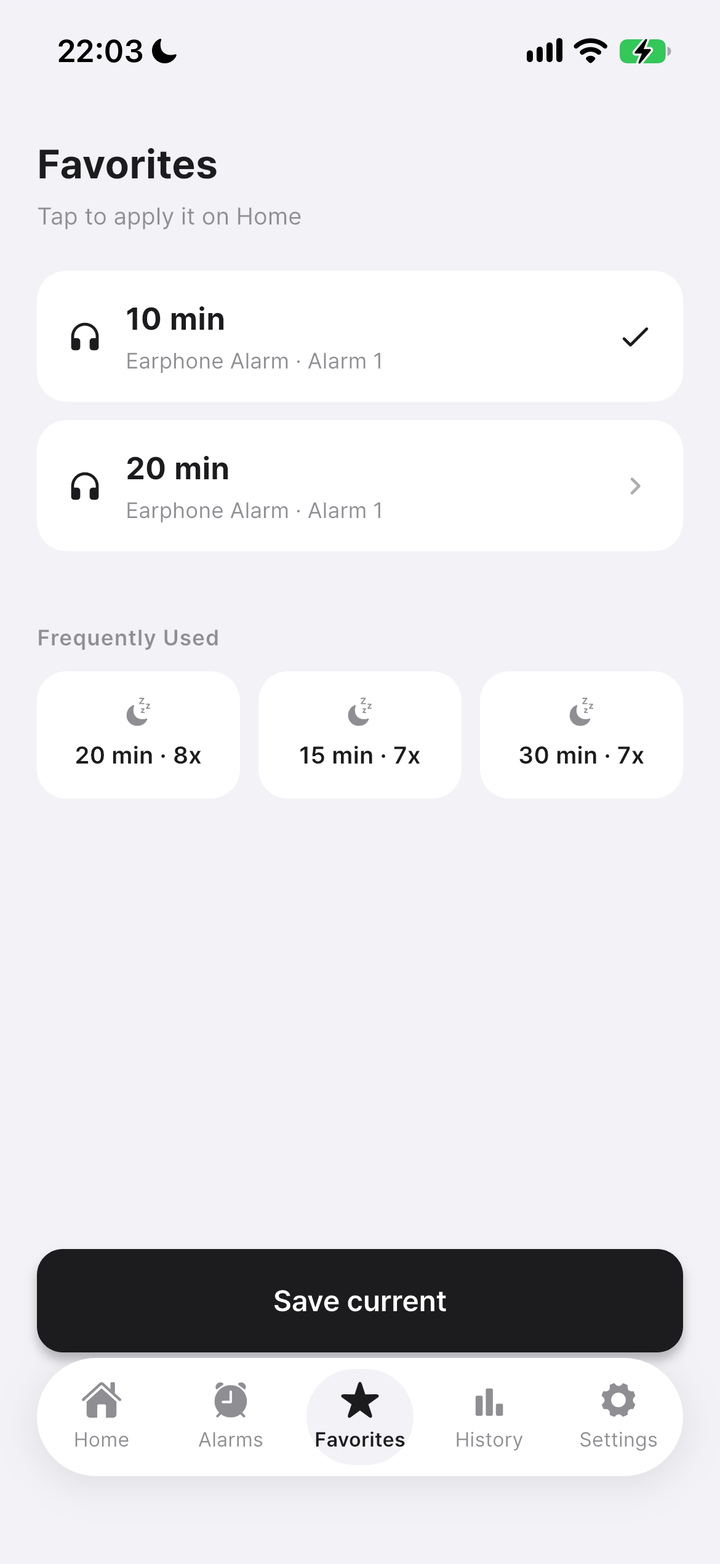
Create a wake-up alarm ↗With Nenne+, save your current nap settings in Favorites. Tap a saved setup to apply it on Home, then start the timer there.
A quick way back to your usual break.
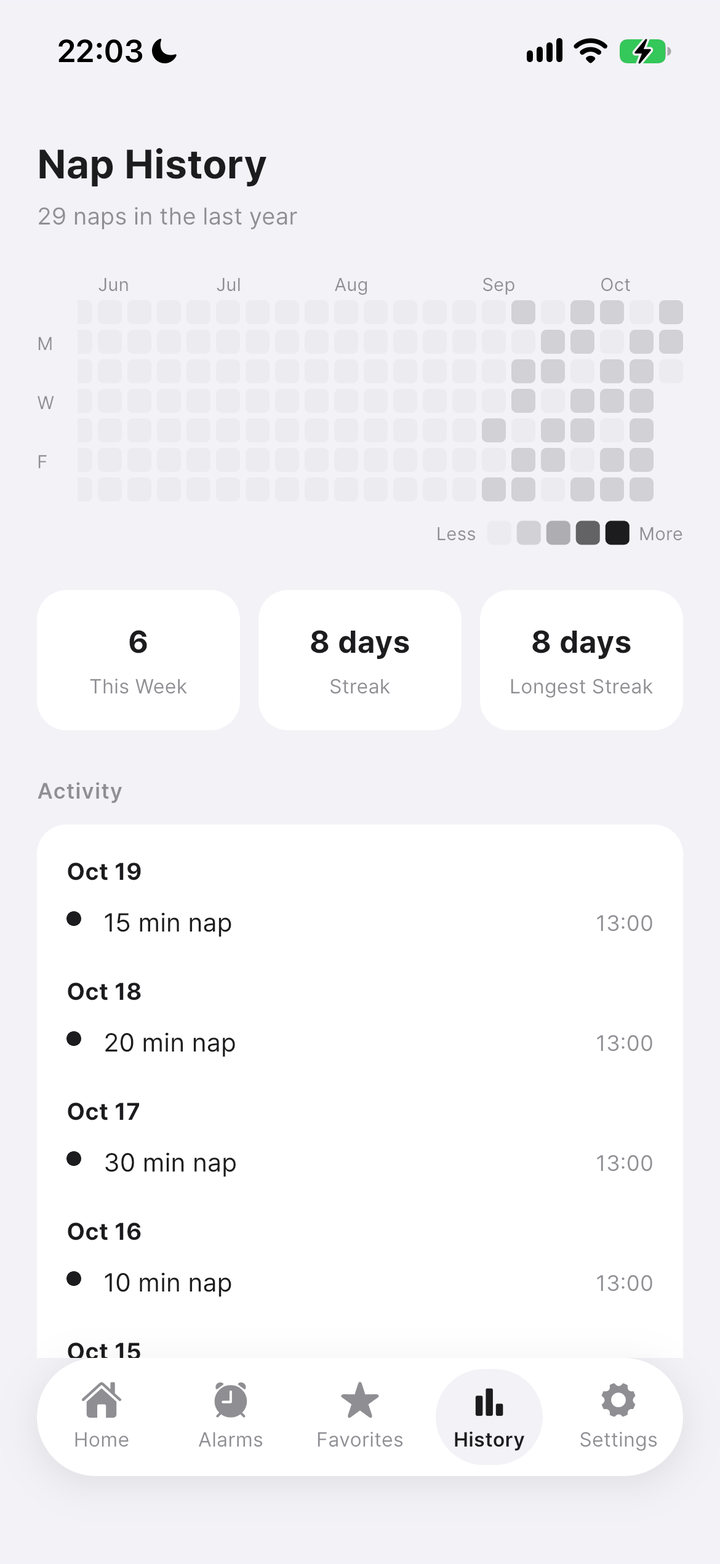
About Favorites ↗Open History to see your nap calendar and streak.
See the breaks you have taken over time.
About nap history ↗