How do I stop an alarm?
Tap “Stop Alarm” on the alarm screen, or “Stop” on the notification. Taking out your earphones only pauses the sound briefly — it resumes ringing when you reconnect them.
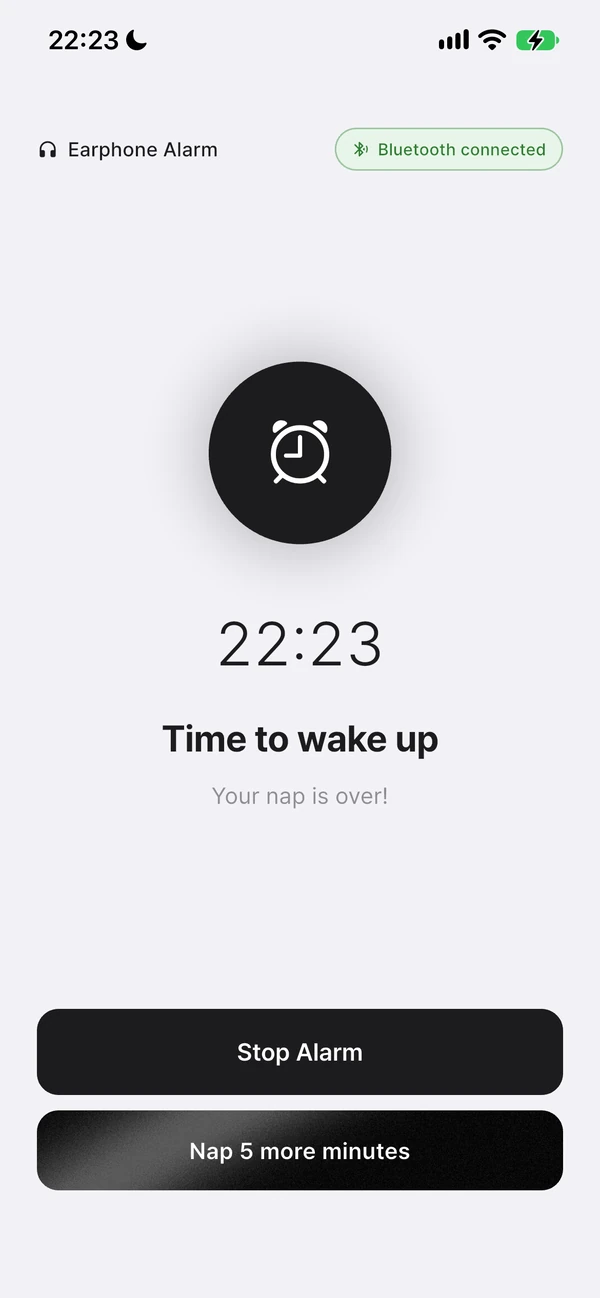
The difference between the three methods
- “Stop Alarm” on the app’s alarm screen · The most reliable way. Naps get recorded in History, and a repeating wake-up alarm has its next occurrence scheduled right away.
- “Stop” on the notification · Lets you stop it right from the lock screen. Naps aren’t recorded, and for a repeating wake-up alarm, you need to open the app afterward for the next occurrence to be scheduled.
- Taking out your earphones · Just pauses the sound. It resumes ringing when you reconnect them.
Why it’s best to stop it from the alarm screen
Stopping it via the alarm screen lets Nenne fully wrap up this alarm. For a nap, you’ll see the “Nap Complete” screen and it’s saved to the History tab; for a repeating wake-up alarm, the next occurrence is scheduled immediately. Stopping it from the notification stops the sound, but this cleanup gets deferred to the next time you open the app, or in the case of nap history, doesn’t happen at all.
After you stop an alarm
- An ad may appear after you stop an alarm.
- The back gesture/button can’t close the alarm screen, so you can’t dismiss it by accident.
- Tapping “Stop Alarm” or “Stop” multiple times while half-asleep is only processed once.
- If you leave it, it turns off automatically 10 minutes after it starts ringing.