How do I use an alarm sound with a lock icon?
Tap a locked sound in the alarm sound list and watch a short ad to the end to use it right away. The unlock lasts until you fully close the app, and any sound you save to a wake-up alarm in the meantime keeps ringing afterward. With Nenne+, you can keep using every sound without watching ads.
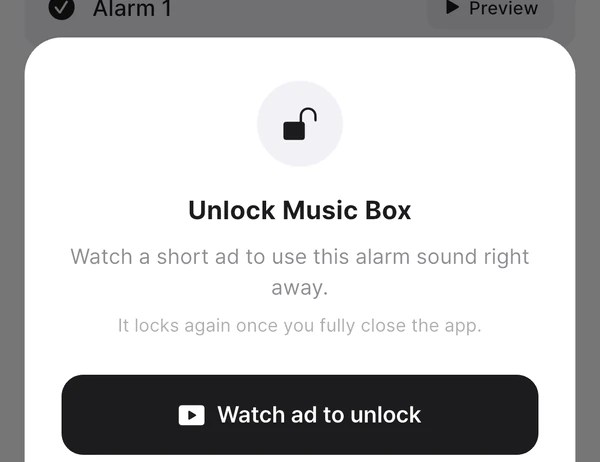
How to unlock
- Tap Browse more sounds by theme on the Home tab.
- Choose a locked alarm sound and tap Watch ad to unlock.
- Watch the ad to the end and “Unlocked” appears — you can use it right away.
You can preview a locked alarm sound before unlocking it. Listen to see if you like it first, then decide whether to watch the ad.
How long does the unlock last?
- You can use it as many times as you like until you force-quit the app.
- It locks again once you force-quit the app. An alarm sound selected on the Home tab (for naps) reverts to the default alarm sound the next time you open the app.
- An alarm sound saved to a wake-up alarm while unlocked doesn’t change, even after you reopen the app — it keeps ringing as saved.
To use it for a wake-up alarm
You can unlock a locked sound the same way while adding or editing a wake-up alarm in the Alarms tab. Unlock it, choose that sound, and save — and that wake-up alarm will keep ringing with the saved sound even after you reopen the app.
To keep using sounds without ads
Tap Unlock all with Nenne+ in the unlock sheet to open the subscription screen. While you use Nenne+, every alarm sound is available without a lock, and it stays unlocked after you reopen the app.
If it doesn’t work
- If you don’t watch the ad to the end, it stays locked.
- If “The ad isn’t ready yet. Please try again in a moment.” appears, try again shortly. Ads can’t load without an internet connection.