How do I use snooze?
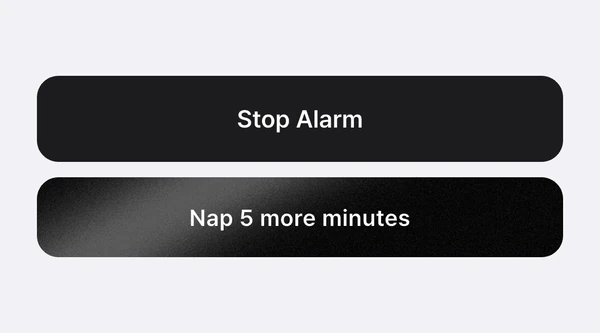
It’s a Nenne+ feature. On the ringing screen, tap “Snooze N min” for a wake-up alarm or “Nap N more minutes” for a nap, and it rings again after that time. Choose 5, 10, or 15 minutes in the Settings tab; you can snooze up to 3 times.
Choosing the interval
Pick 5, 10, or 15 minutes under Snooze interval in the Settings tab. The same interval applies to naps and wake-up alarms.
How many times can I snooze?
- Wake-up alarms · Up to 3 times per alarm. After 3 snoozes the button disappears, and you get 3 again on the next repeat.
- Naps · Up to 3 times per nap. The count carries over even if the alarm rings again while the app is closed.
A snoozed alarm rings with the same sound, earphone/speaker mode, and volume as the original.
Canceling a snooze
When you snooze a wake-up alarm, the snooze time and a cancel button appear under that alarm in the Alarms tab. You can cancel it there even if a “once” alarm has already switched off in the list.